Live preview
See it in an interface
Colors look different on a real screen than in swatches. Your palette is applied to this sample page as you generate. Change which color plays which role on the right.
Ship faster with a calmer workflow
Plan, build and launch in one place. Built for small teams who care about the details.
Accessibility
Contrast between every pair
Each cell shows the row color as text on the column color. Aim for at least 4.5 (AA) for body text and 3 for large text and icons.
Palettes that look good and stay readable.
A free color palette generator for designers and developers, combining color harmony with modern perceptual color science.
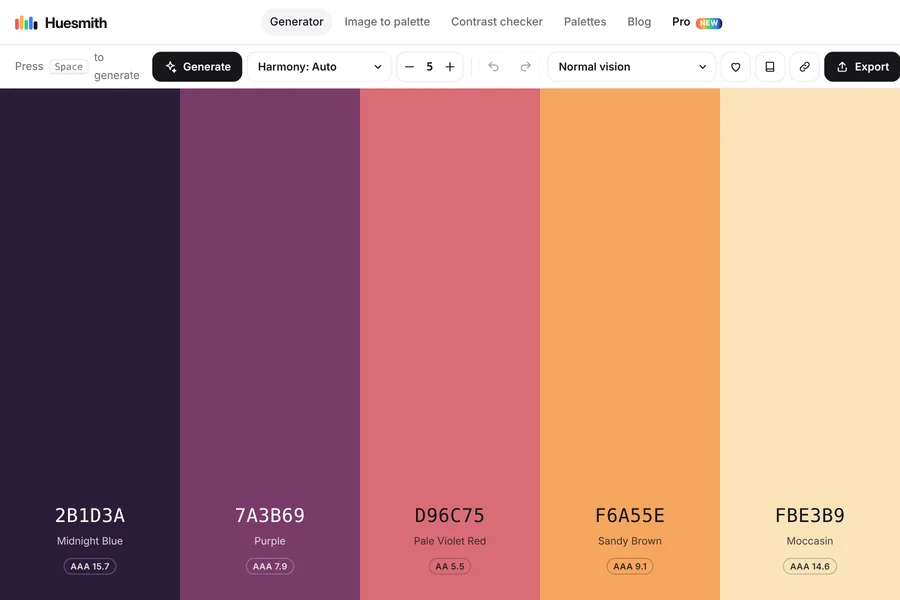
Harmonies that work
Analogous, complementary, triadic and more, built in OKLCH with a full range of lightness, so every palette has usable text, surface and accent colors.
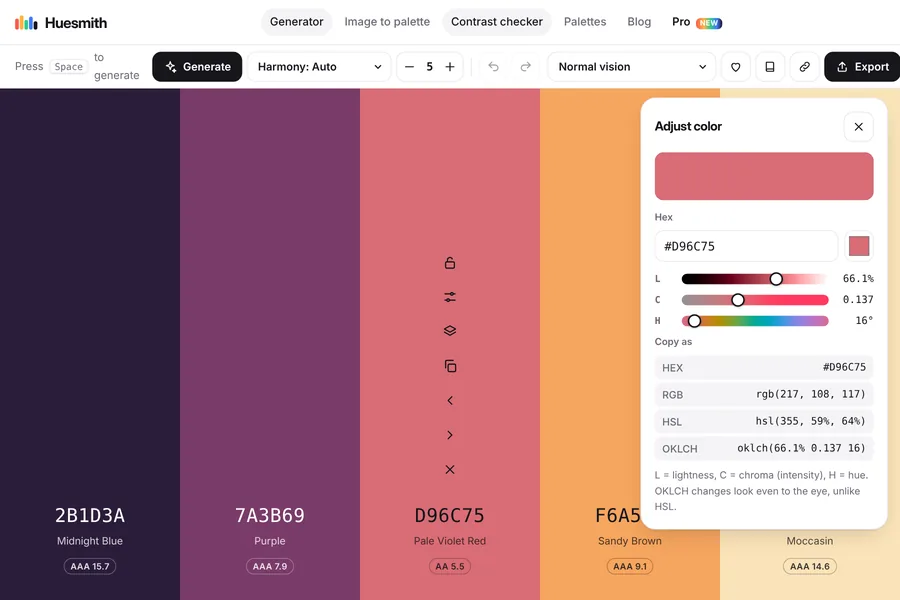
Lock and refine
Keep the colors you love and regenerate the rest. Adjust any color with perceptual lightness, chroma and hue sliders.
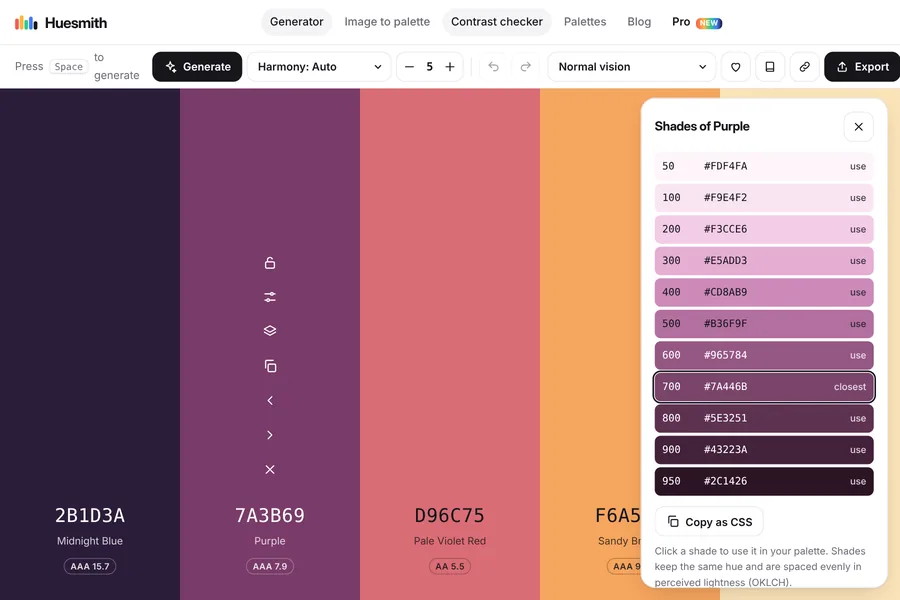
Shades 50 to 950
Turn any color into an evenly spaced Tailwind-style scale, ready for buttons, borders and hover states.
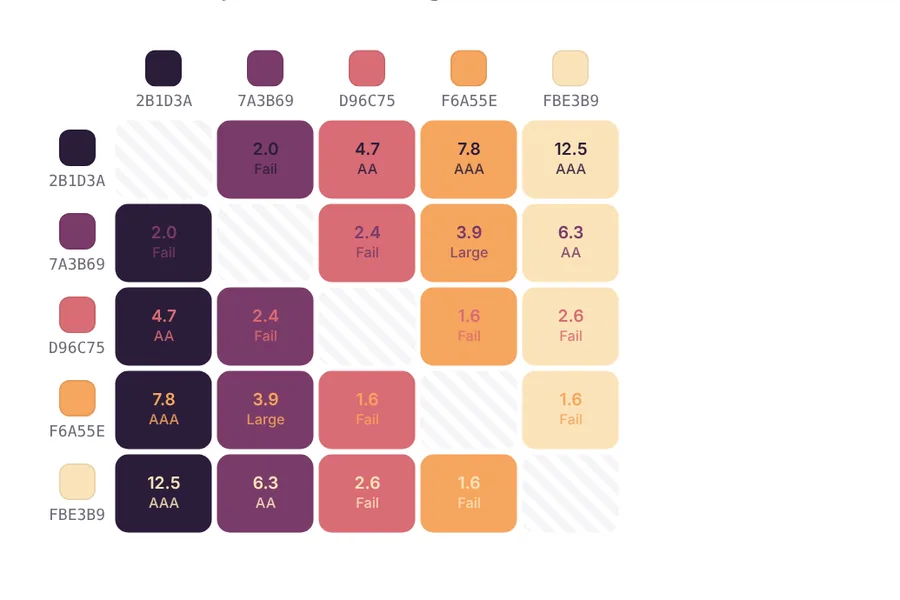
Accessibility built in
Every swatch shows its WCAG rating, and the contrast table checks every pair of colors at once.
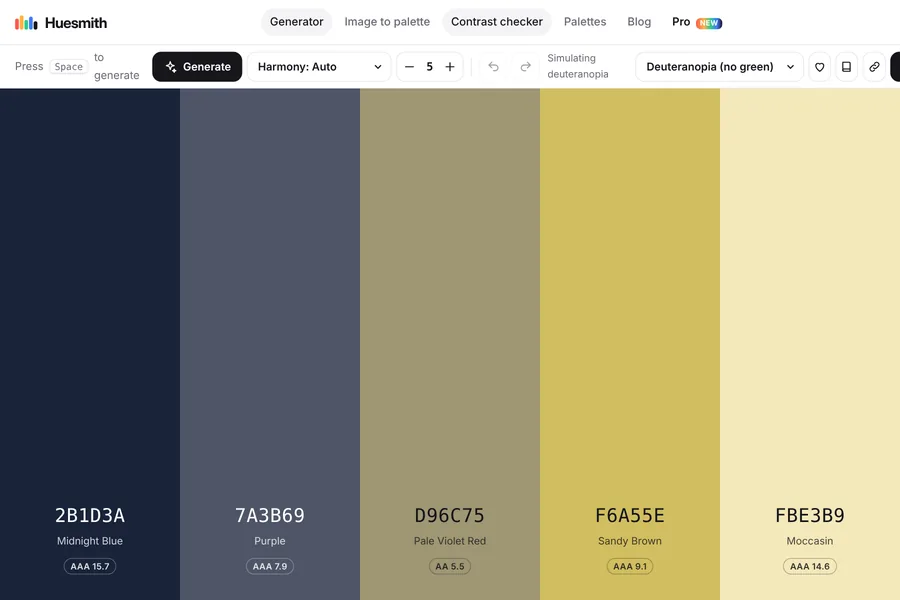
Color blindness preview
See your palette as people with protanopia, deuteranopia, tritanopia or achromatopsia see it.
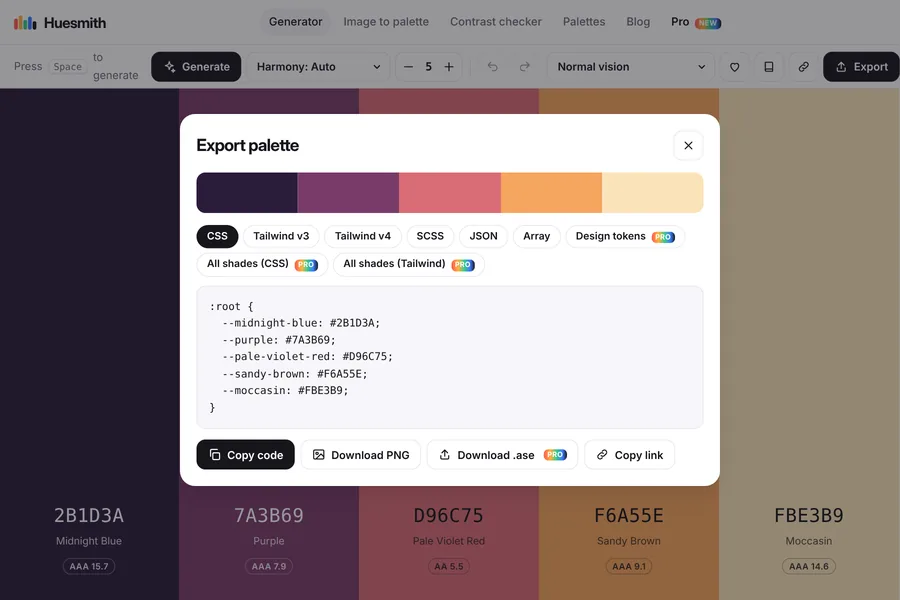
Export anywhere
CSS variables, Tailwind v3 and v4, SCSS, JSON or a PNG image. Share any palette with a simple link.
How to use the palette generator
- Generate. Press the space bar until a palette catches your eye. Pick a harmony if you want a specific style.
- Lock. Hover a color and click the lock to keep it. Generating again only changes the unlocked colors, and they harmonize with what you locked.
- Refine. Open the sliders to adjust lightness, chroma and hue, or open the shades to pick a lighter or darker version.
- Check. Look at the badges, the live preview and the contrast table. Switch the vision menu to test for color blindness.
- Export. Copy CSS variables or a Tailwind config, download a PNG, or copy the link to share it.
Questions
How do I generate a color palette?
Press the space bar or the Generate button. Lock the colors you want to keep, and only the others will change. You can also choose a harmony such as analogous or complementary.
Why does Huesmith use OKLCH?
OKLCH is a modern color space where equal changes look equal to the human eye. Palettes and shades built in OKLCH have balanced brightness, unlike older HSL-based tools where yellow looks much brighter than blue at the same lightness.
Can I use the palettes for commercial projects?
Yes. Colors cannot be owned, and every palette you create here is yours to use in personal or commercial work, with no attribution required.
How do I share a palette?
The address in your browser always contains the current colors. Copy it with the link button and anyone who opens it sees the same palette.
Where are my saved palettes stored?
In your browser only, on this device. Nothing is sent to a server. Clearing your browser data will remove them.